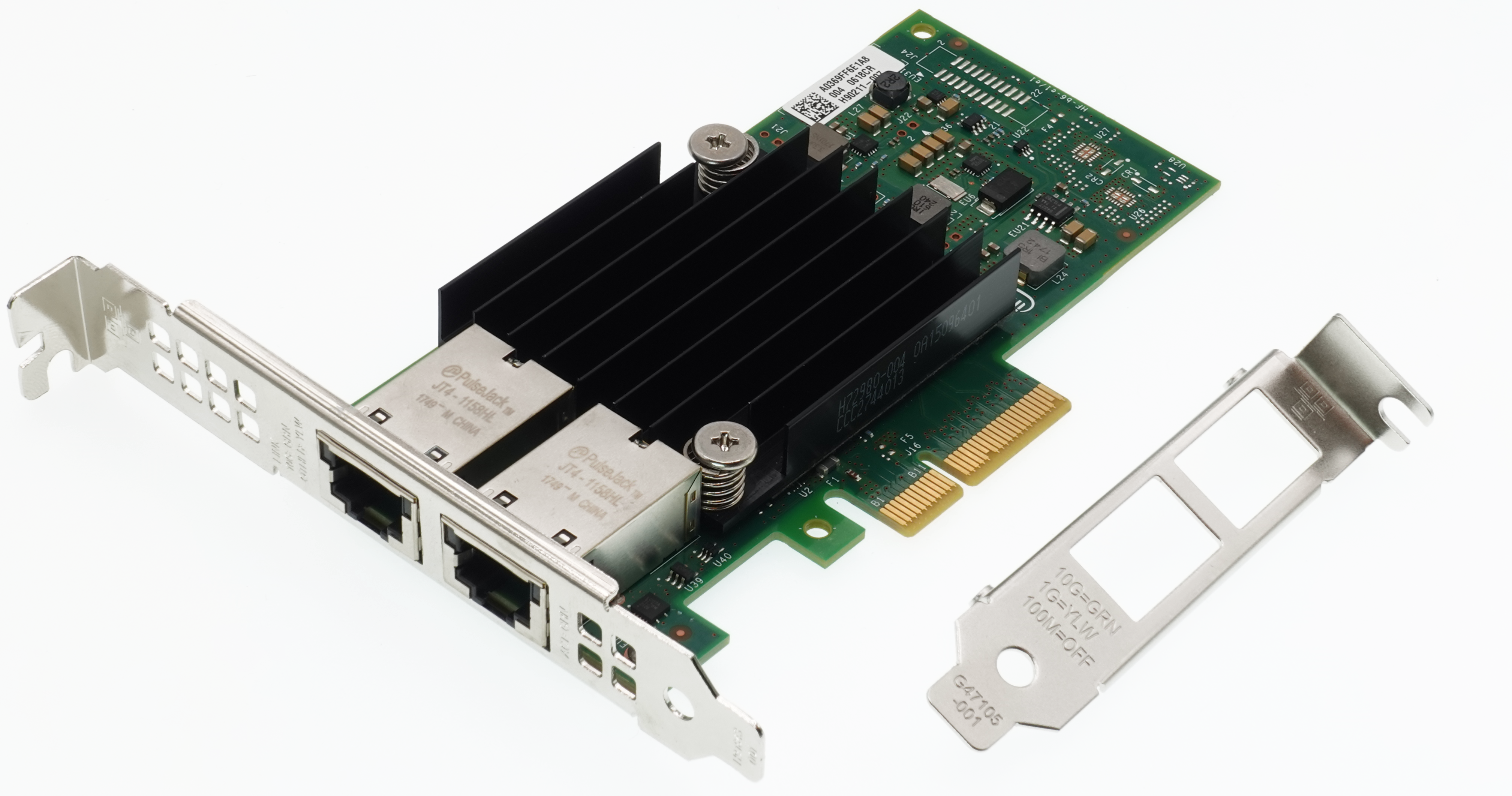
Intel X550-T2 Driver Installation
Windows 10/11/various Windows Server requires driver installation!
Intel Ethernet Adapter Complete Driver Pack
⚠In order to install latest Intel drivers please follow this manual:
① Search in Google for “Intel Ethernet Adapter Complete Driver Pack”:
② From the search results, click on the corresponding Intel website’s link:
③ Download latest complete driver pack. Right-click downloaded archive to select Extract All, and then follow the instructions to unzip archive
④ Press Win+X and select [Device Manager] from the menu items
⑤ In the Device Manager find two “Ethernet Controller” entries with an exclamation mark next to it:
⑥ Right click the first “Ethernet Controller” and select “Update driver”
⑦ In the “Update Drivers” window select “Browse computer for drivers”
⑧ Click the “Browse” button, select folder with unzipped drivers and press OK. Check “Include subfolders”, unless it is already checked, and press the “Next” button
⑨ You’ll see a progress bar during the driver installation process.
⑩ After the driver installs, you’ll get a notification letting you know the installation was successful. Press “Close” to complete the process.
⑪ Return to step ⑤ and repeat steps ⑥ to ⑩ for the second “Ethernet Controller”
⑫ Device Manager will show both network adapter entries without exclamation mark:
⚠ Linux/FreeBSD: The availability of drivers out-of-the-box depends on the distro and its version. If necessary drivers are missing, try to update the distro to the latest version, or download the “Intel Ethernet Adapter Complete Driver Pack”(includes Linux/FreeBSD drivers) and install from it.